
Start with what must stay true
A new image can give a product a clearer setting or presentation. It can also change a small detail that matters to the buyer. Before generating, decide which features must remain accurate: shape, proportions, colour, material, labels and included accessories.
Use reference photos that show those details clearly. Several consistent views can provide useful context, but adding references does not guarantee exact reconstruction.
Write the scene, not new specifications
Describe the background, lighting and presentation you want. State any product details that must be retained and avoid instructions that imply an unsupported use or feature.
In Skuze, AI Image Enhancement can use one to four original product images. The generated result is stored separately, so the original remains available for comparison.
Review like a customer
Look beyond the overall composition. Compare the outline, dimensions in context, seams, closures, logos, printed text and accessories. Check reflections and background elements that could suggest something is included when it is not.
If the image shows a feature the product does not have, do not publish it simply because the scene is attractive. Adjust the direction or choose another result. Generated imagery needs review; Skuze does not promise exact product fidelity or a guaranteed commercial improvement.
Keep application a deliberate choice
Keep an image in Skuze, add it as extra Shopify media or make it the main image. Eligible saved product images can also be applied later from Content. Making a result primary adds and reorders media while retaining originals.
An approval step can pause the next action, but it does not undo an earlier write. If review matters before a store change, check the generation/apply settings and the order of the steps.
Describe the image usefully
Write alt text that explains the product information the image conveys. The separate Image Alt Text step can analyze existing media with AI or use a deterministic template. Choose whether existing descriptions may be overwritten.
Alt text does not change the image pixels. A blog cover is also a separate task: Blog Image attaches a generated cover to the local article draft, and Blog Publish controls its application to Shopify.
Inspect the test and the usage
Test can perform real generation and use Credits while Shopify writes are simulated. Check the output, the references and the recorded usage before a real run. Image quality and configuration affect the work involved; one Credit is not a fixed promise of one product image.
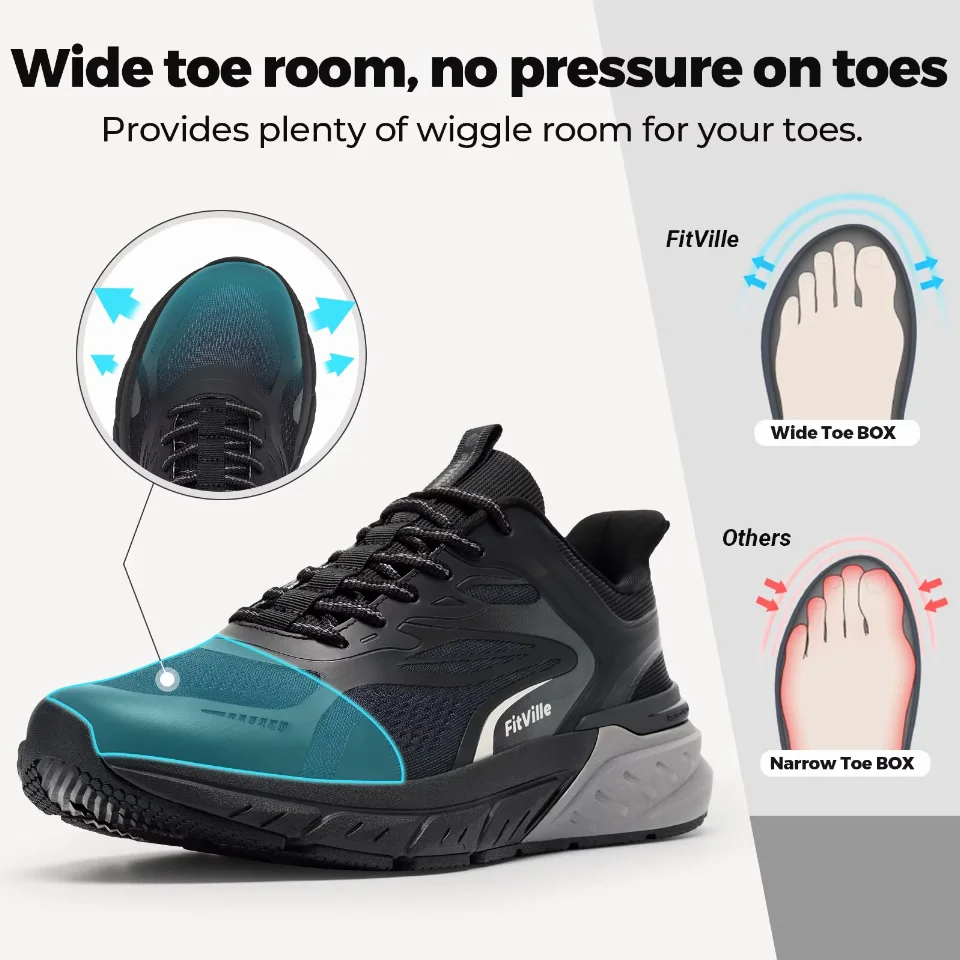
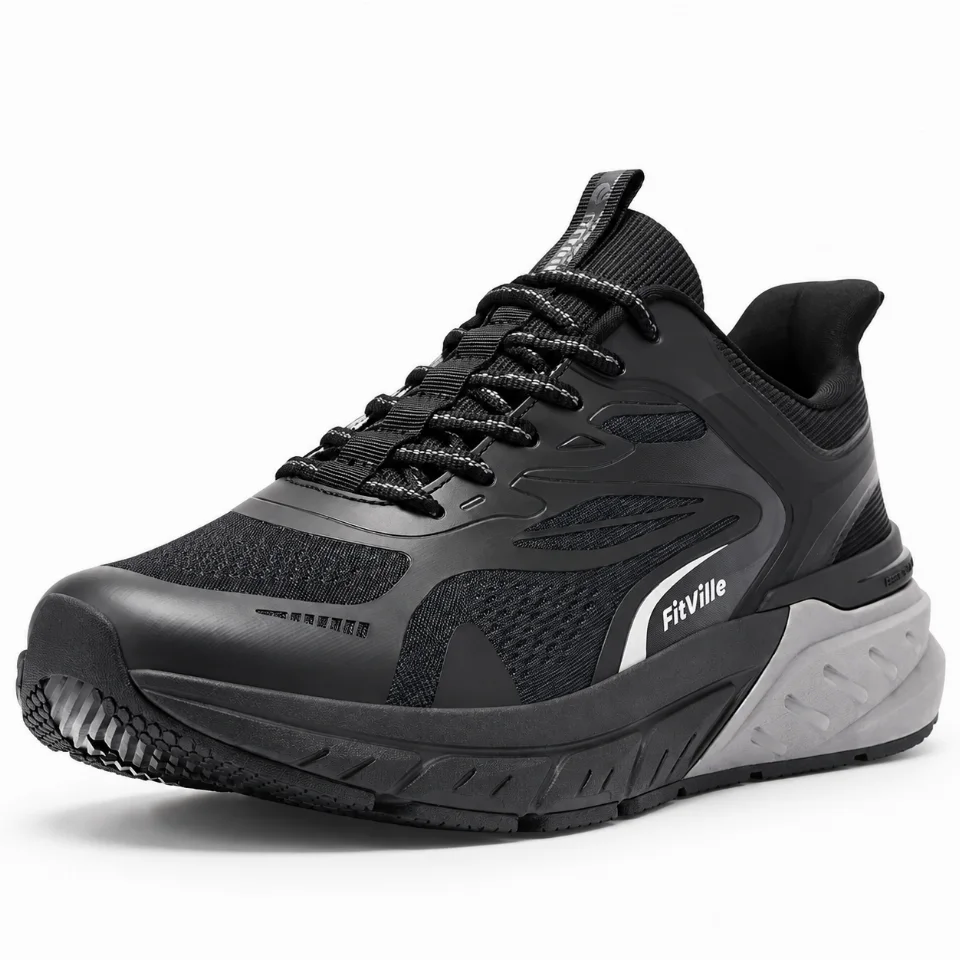
The before/result pair on this website is one supplied example. Use it to understand the workflow, then evaluate your own product and references.